The ordering app for food wholesalers
Your customers order in your own app, your field sales team on iPad. Prices, stock and credit limits come from your ERP, and every order goes straight back into it.
Request a demo


Customer app, access provided in the demo
What orders by phone, fax and WhatsApp cost you
Every order someone types in by hand can arrive wrong. And if no one can see the stock, you sell what is missing or hold on to goods until they spoil.
Retyping takes time
Your team types orders from calls, faxes, emails and WhatsApp messages into the ERP by hand, every single day.
Errors in transcription
A misheard item, a wrong quantity, an illegible line: the wrong goods go out and come back.
Stock no one can see
Your customer orders what is no longer there and only finds out on delivery.
Goods that end up in the trash
Without a clear view of demand and stock, best-before dates pass and the goods are thrown away.
Loss per year€369,000
- Spoiled goods€300,000
- Orders with errors€24,000
- Time spent retyping€45,000
Example calculation based on your inputs and these assumptions: 250 working days, €40 per order with errors, 3 minutes of retyping per order, €30 per hour. Not a measurement.
With Elix Suite, every order arrives in your ERP exactly as your customer placed it, checked against your current stock.
One system, three parts
The customer app, the field sales app and your ERP work together. Every order arrives in the same place, no matter who places it.
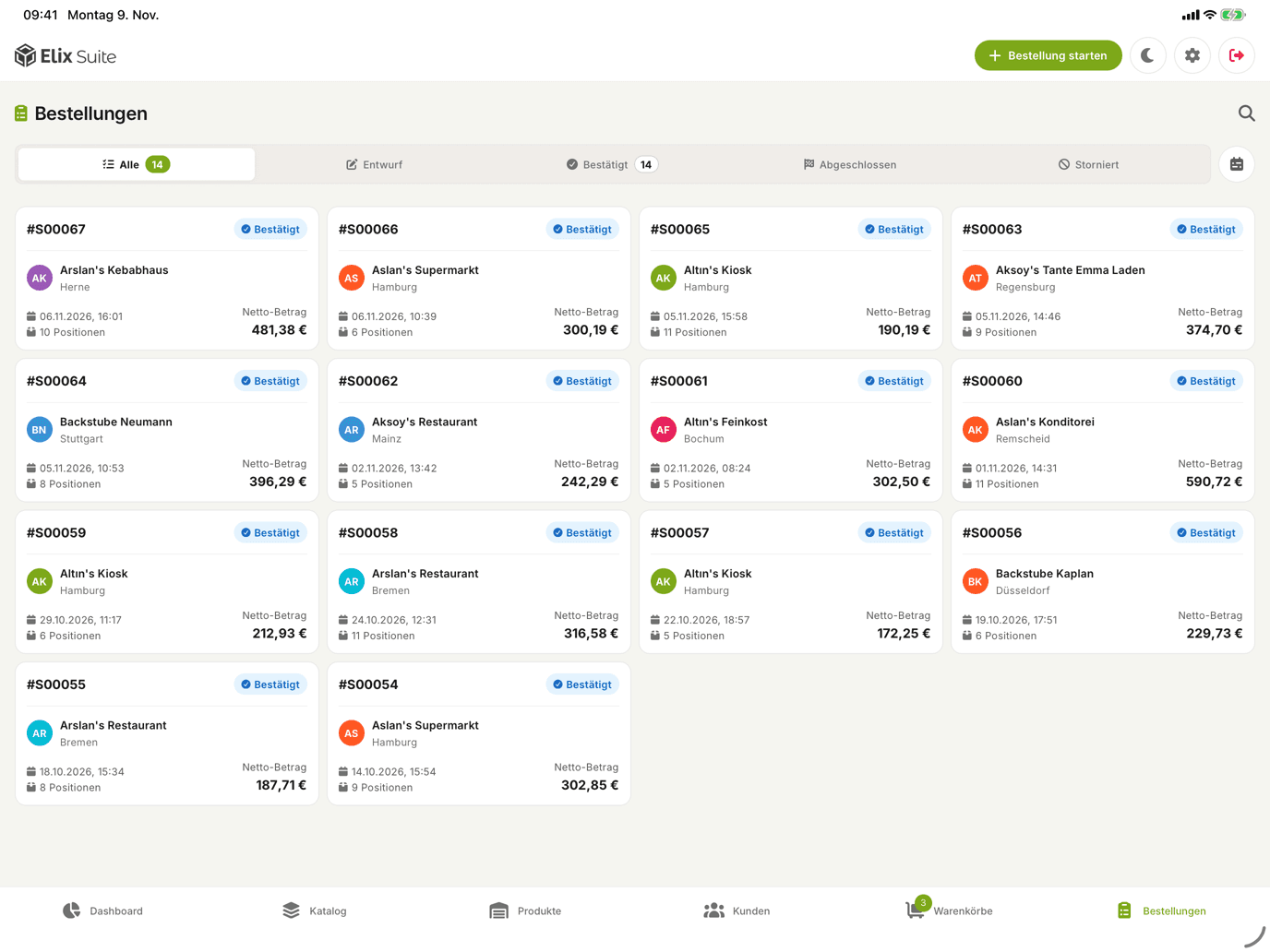
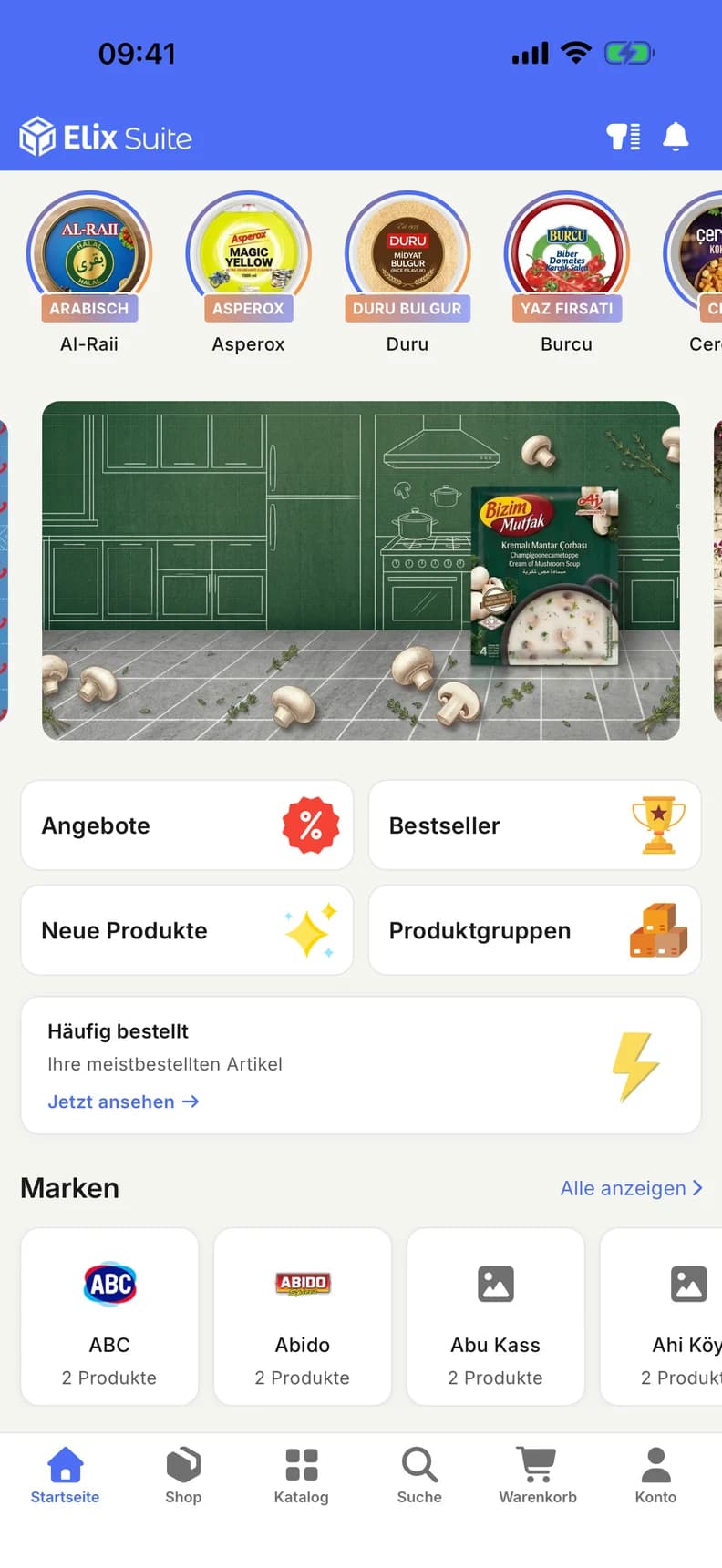
Customer app
For iPhone and Android, under your name. Your customers order whenever it suits them.
Field sales app
For iPad. Your team orders during customer visits at that customer's prices.
Elix Suite
Collects every order and syncs it with your ERP.
Your ERP
Items, prices and stock come from here, and every order comes back as a sales order.
For example
 Odoo
 SAP
 Dynamics 365
 JTL
 Xentral
- and more
How an order reaches you
A restaurant orders its supplies for next week. Six steps, from opening the app to the sales order in your ERP.
The home screen
Your customer opens your app. The home screen shows offers, bestsellers and new products, plus the items they order most.
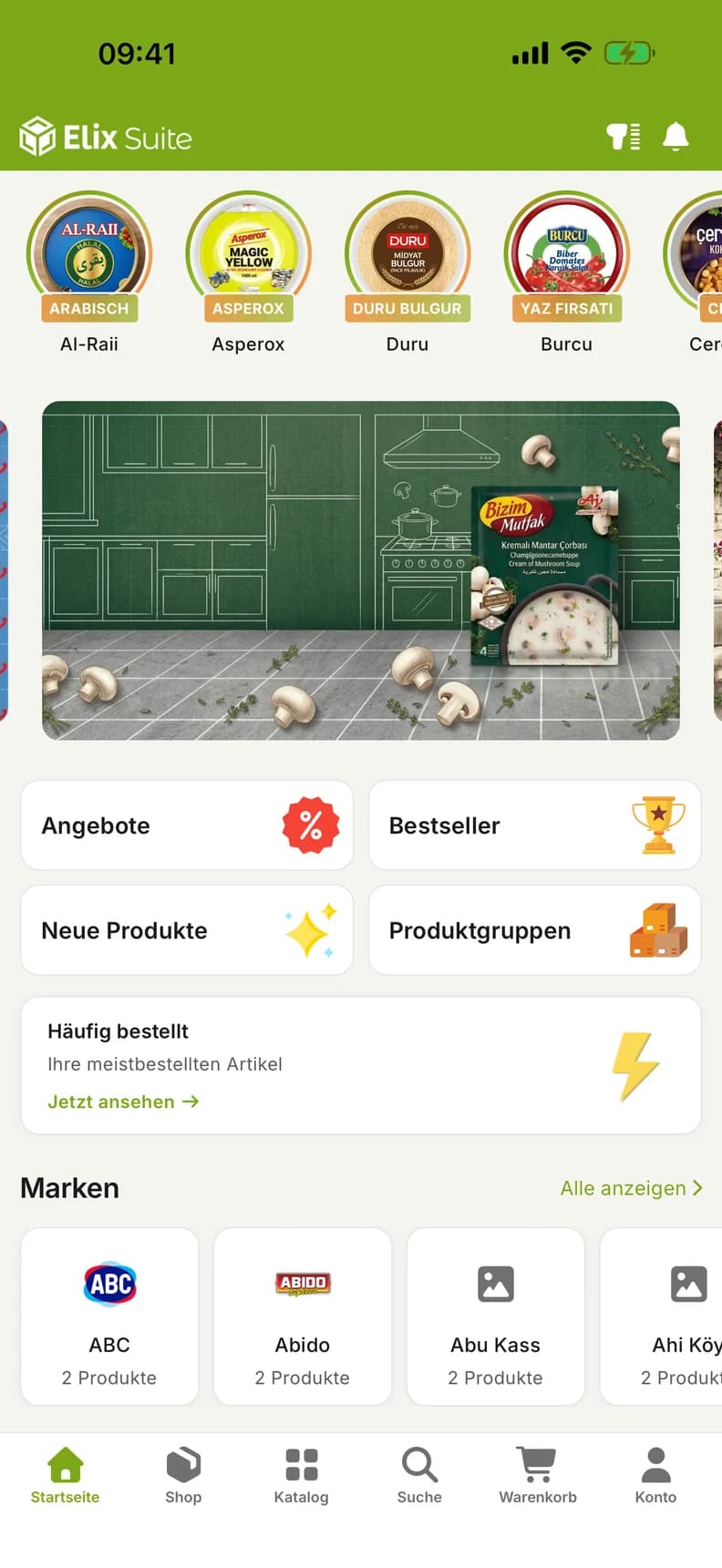
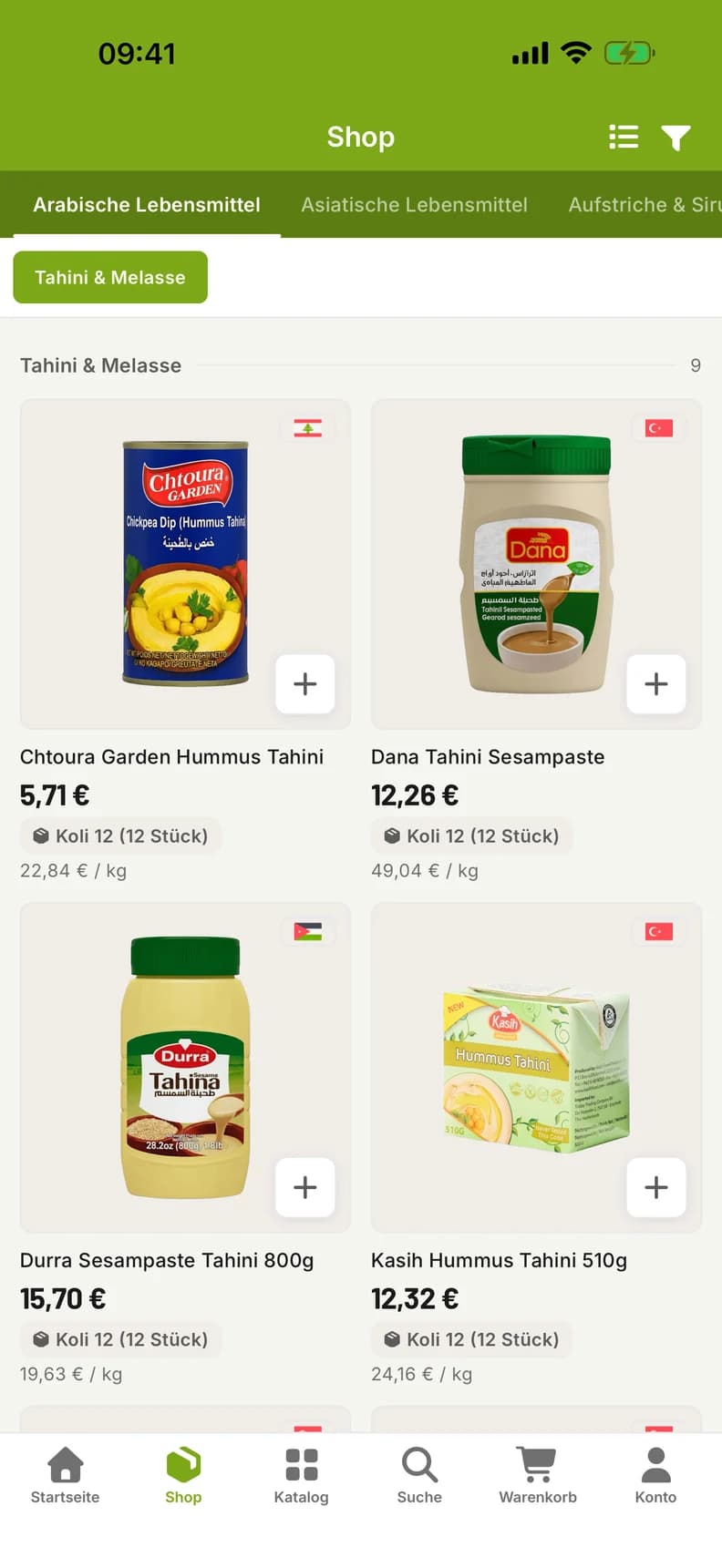
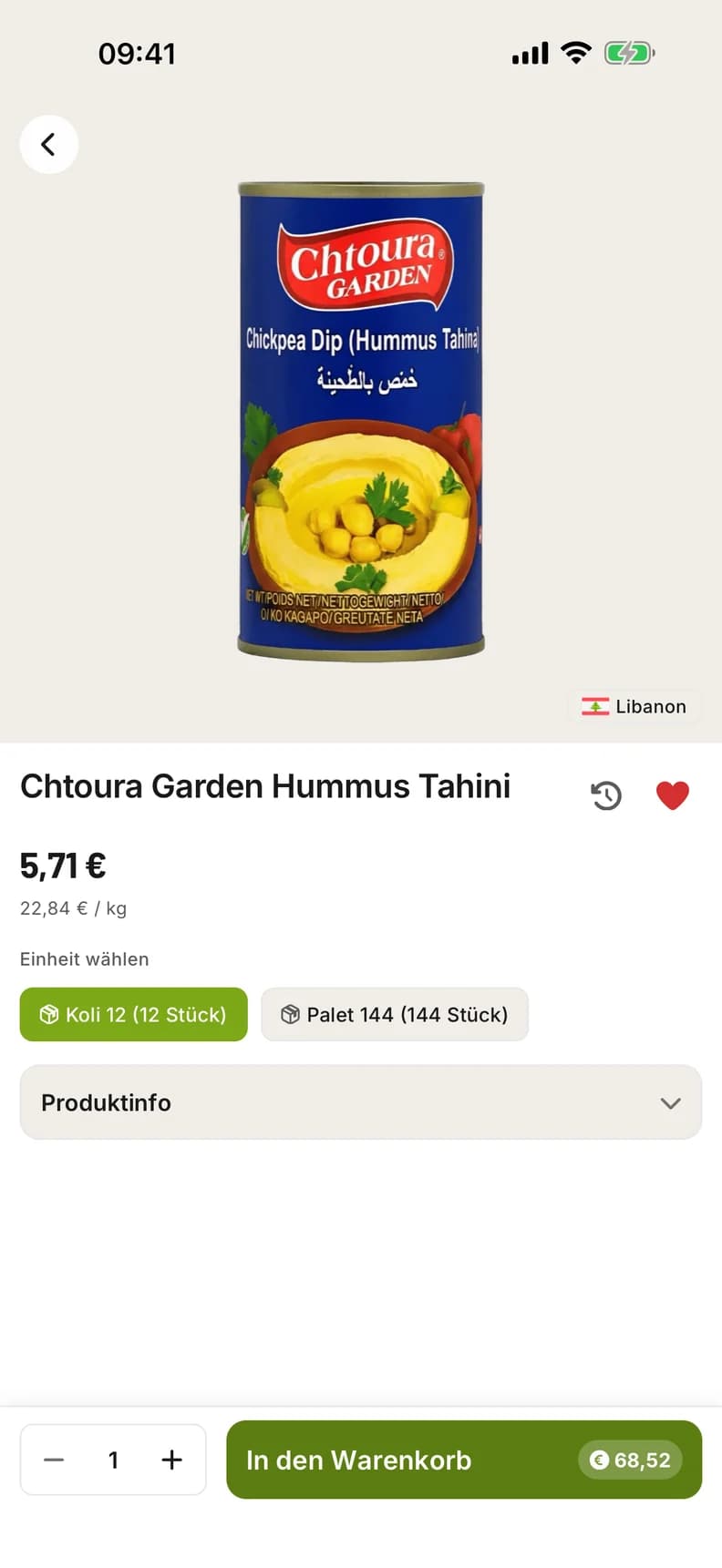
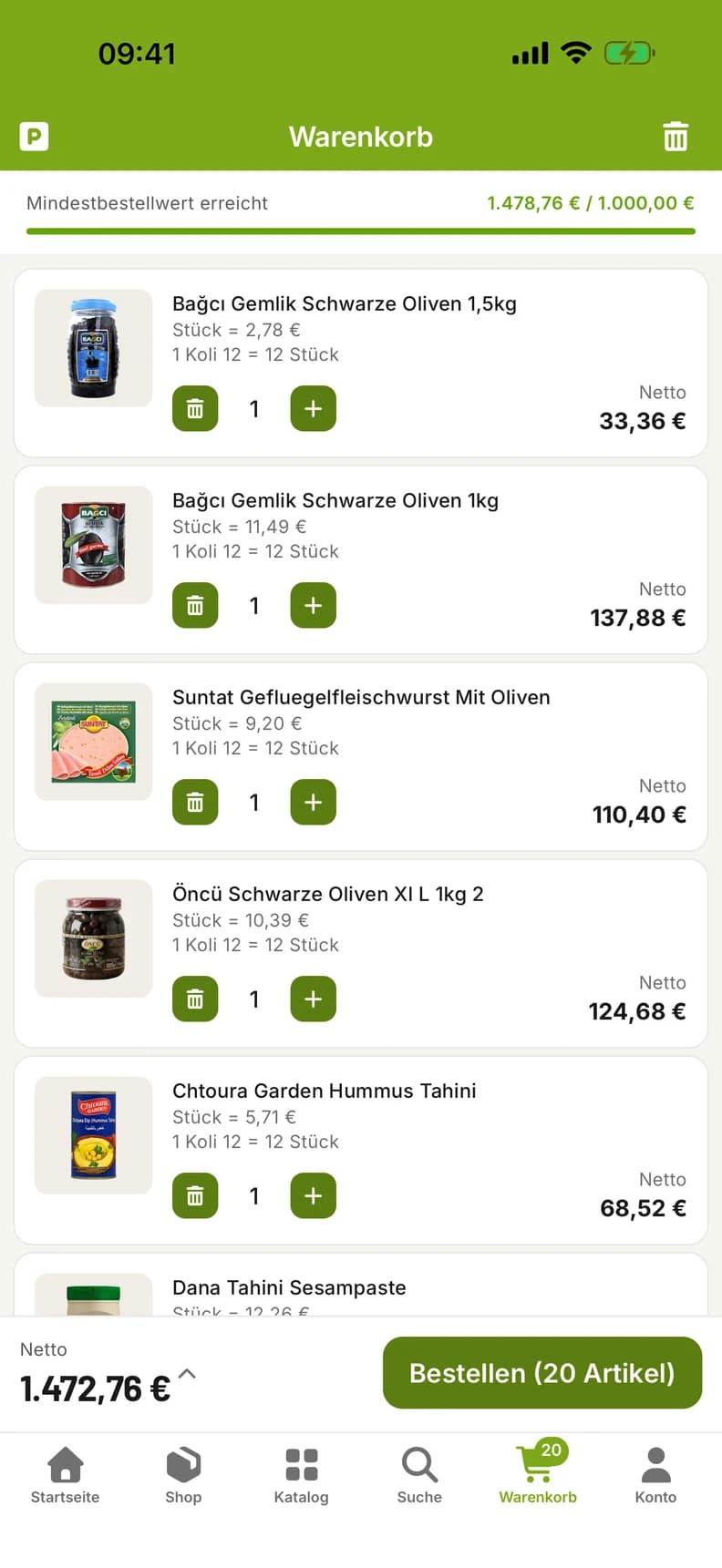
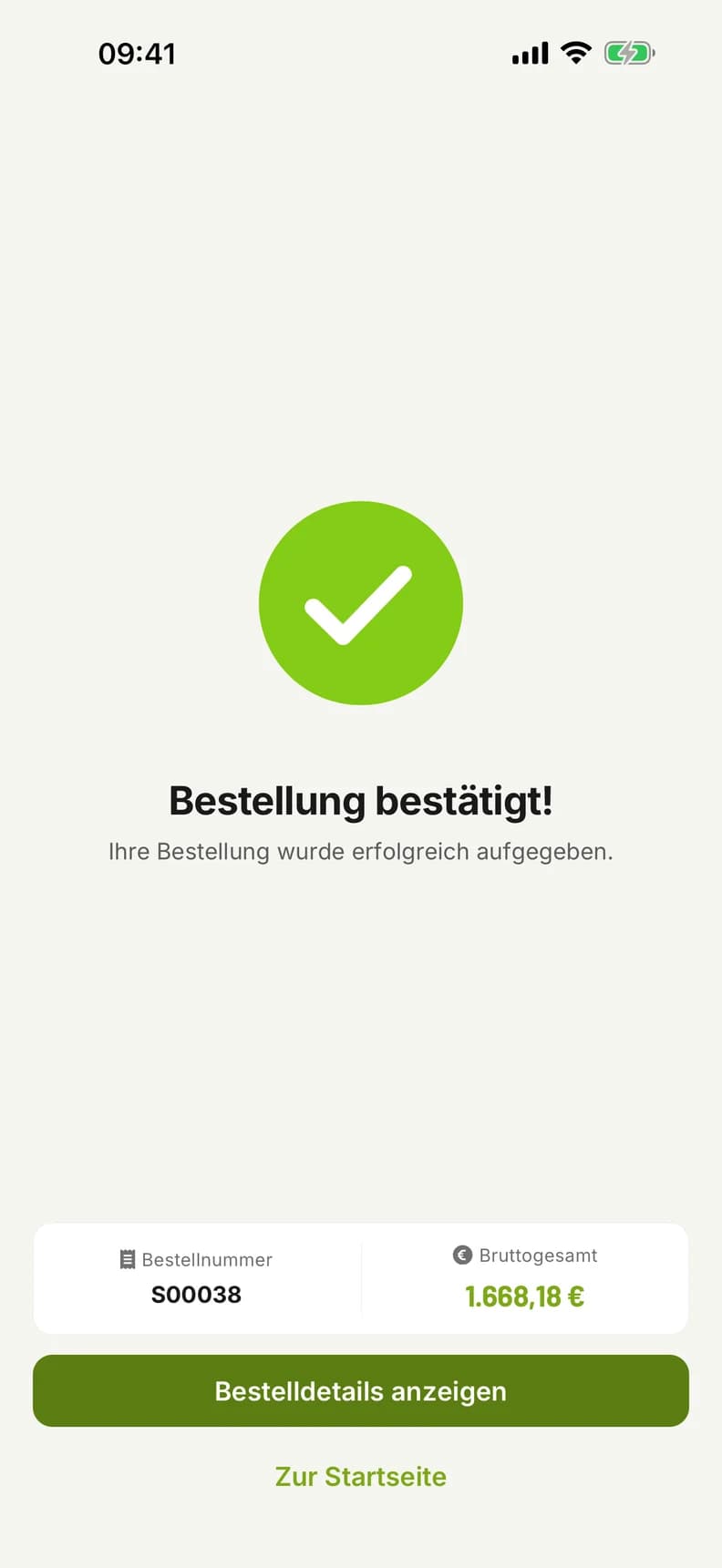
- Offers, bestsellers and new products in one tap
- A list of the items your customer orders most
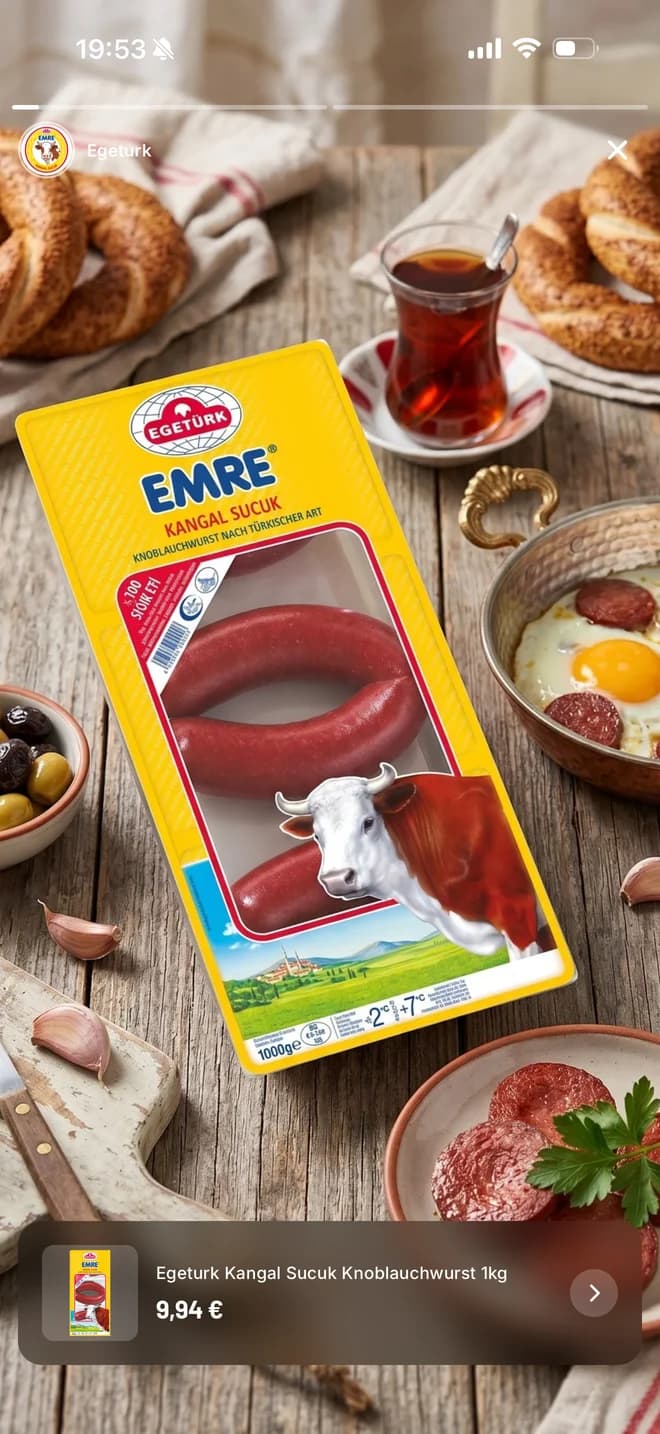
- Banners for your promotions
Ordering gets easier for your customers
Your customers always have your product range, their orders and their invoices at hand, in their own language.
Reorder in one tap
Your customer puts a previous order back in the cart with one tap, quantities and units included.
Ready-made product groups
Your customer adds the sets you have put together to the cart all at once with “Add all.”
Invoices as PDFs
Your customer sees open and overdue invoices at a glance. They open invoices, order documents and account statements in the app, and share or print them.
In four languages
German, Turkish, English and Arabic. In Arabic, the whole app runs from right to left. We add further languages as you need them.
Stock checked before every order
Before an order goes out, Elix Suite checks every line against your current stock. If there is not enough, the app lowers the quantity or removes the item and shows your customer what changed.










Orders on iPad, on site with your customers
With the field sales app, your team has the figures, the customer account and your catalog on iPad during every customer visit, with that customer's prices. Your reps enter the order while the conversation is still going.
Target and revenue
The dashboard shows the month's revenue target and how much of it has been reached. Your team sees revenue, orders and average order value for the month, quarter or year.
You set the rules
You decide on prices, content and access. The app follows your rules with every order.
One price list per customer
Every customer sees the prices from their own price list in your ERP, promotions included.
Stories and banners in one place
You manage stories, banners and product groups centrally, and your customers see them on the home screen of their app.
News by push notification
New products, discounts and stories appear as push notifications on your customers' phones. They choose which topics they receive.
Minimum order value and credit limit
You set the minimum order value for each customer. If open invoices exceed the credit limit, the app does not accept any orders.
You grant access
You invite existing customers, one by one or all at once. New customers apply for an account, and you approve it.
Prices that follow German rules
What prices and documents in German food wholesale must show, Elix Suite shows from day one.
Unit price per kilo and liter
Below every item, in the list and on the product page, is its unit price as required by Germany's Price Indication Ordinance (PAngV).
Deposit on its own line
Single-use, reusable and crate deposits each appear on their own line in the cart, in the order and on the invoice.
7 and 19 percent kept separate
Both VAT rates appear separately in the order and on the invoice.
Net prices
Your customers see net prices; the gross amount appears only in the total.
Worked example
Your name, your logo, your colors
Your customers download an app that carries your name and your app icon. When they open it, they see your logo, and the app appears in your colors.
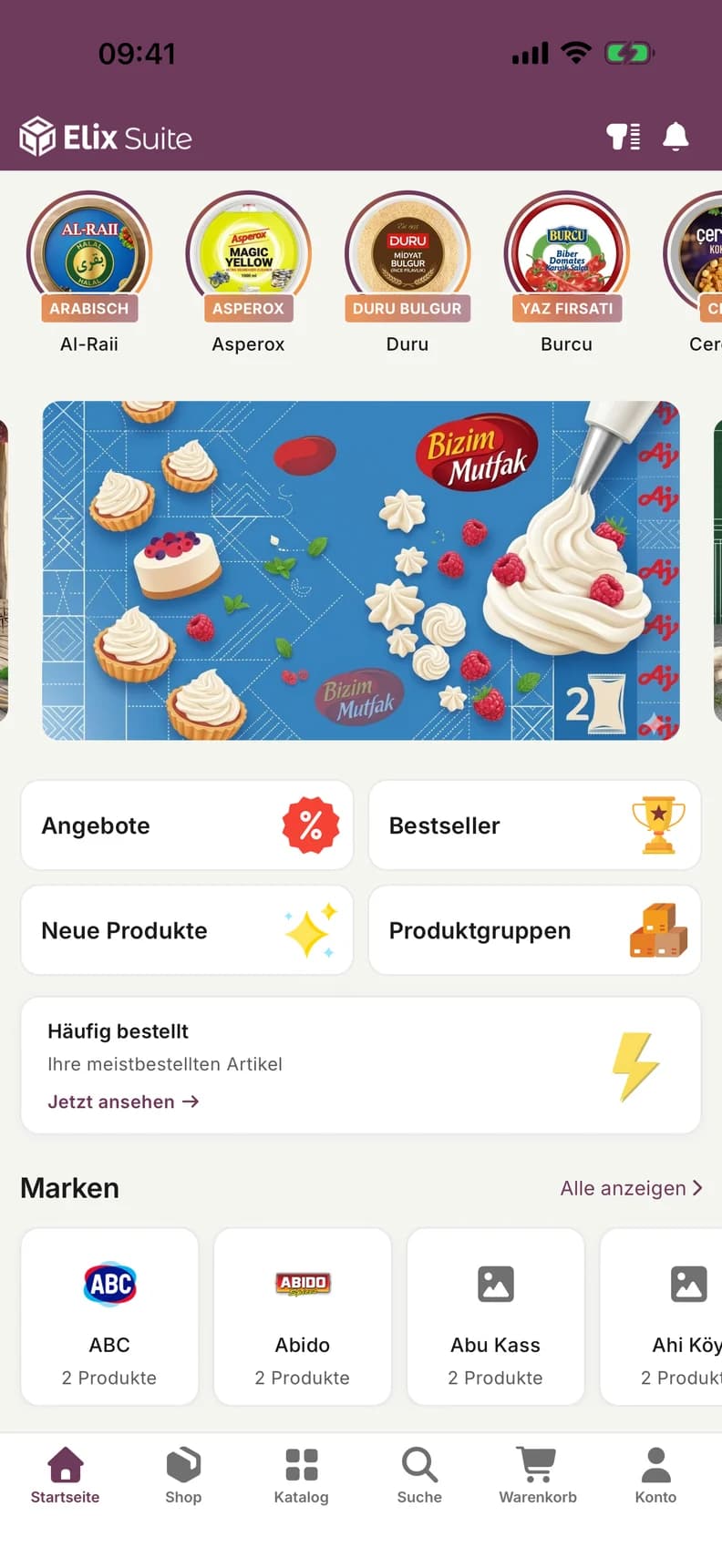
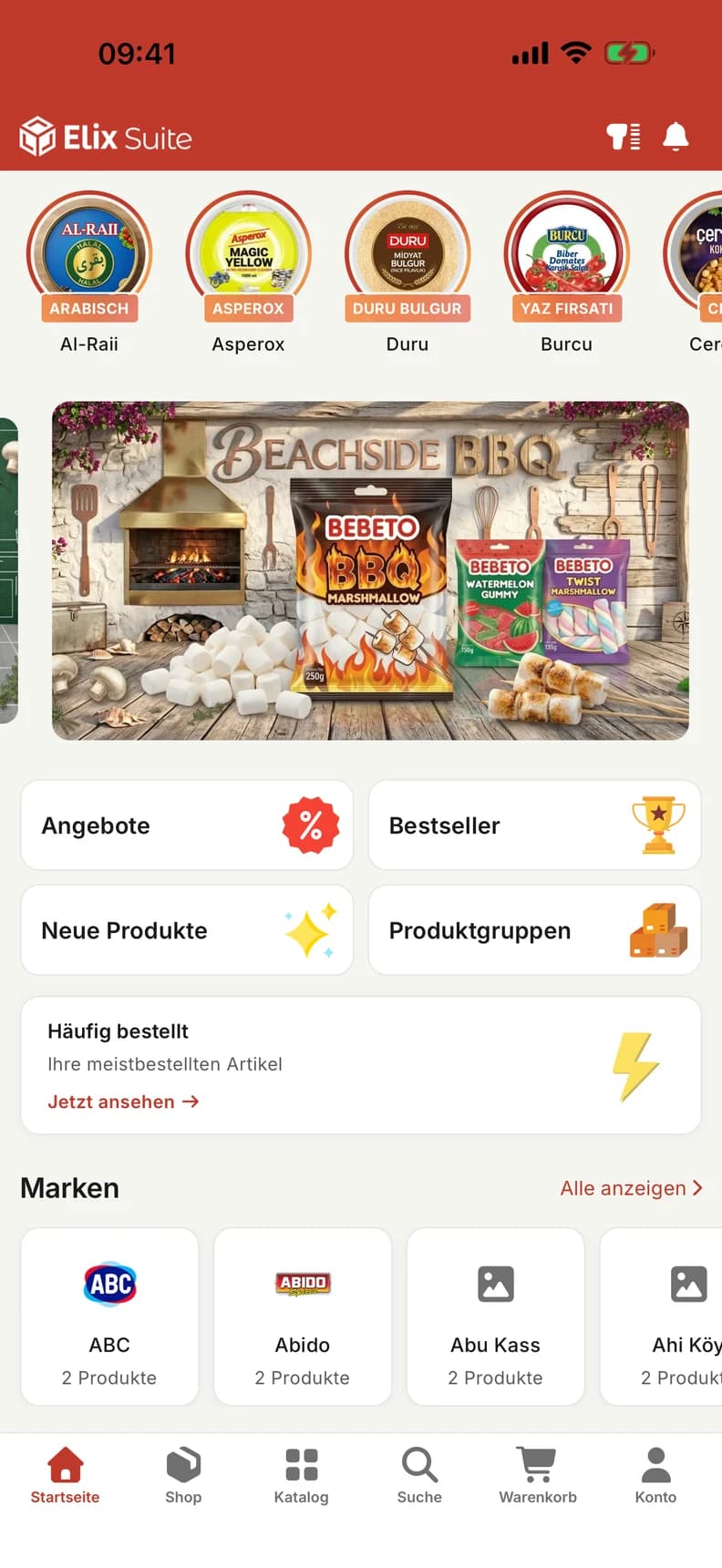
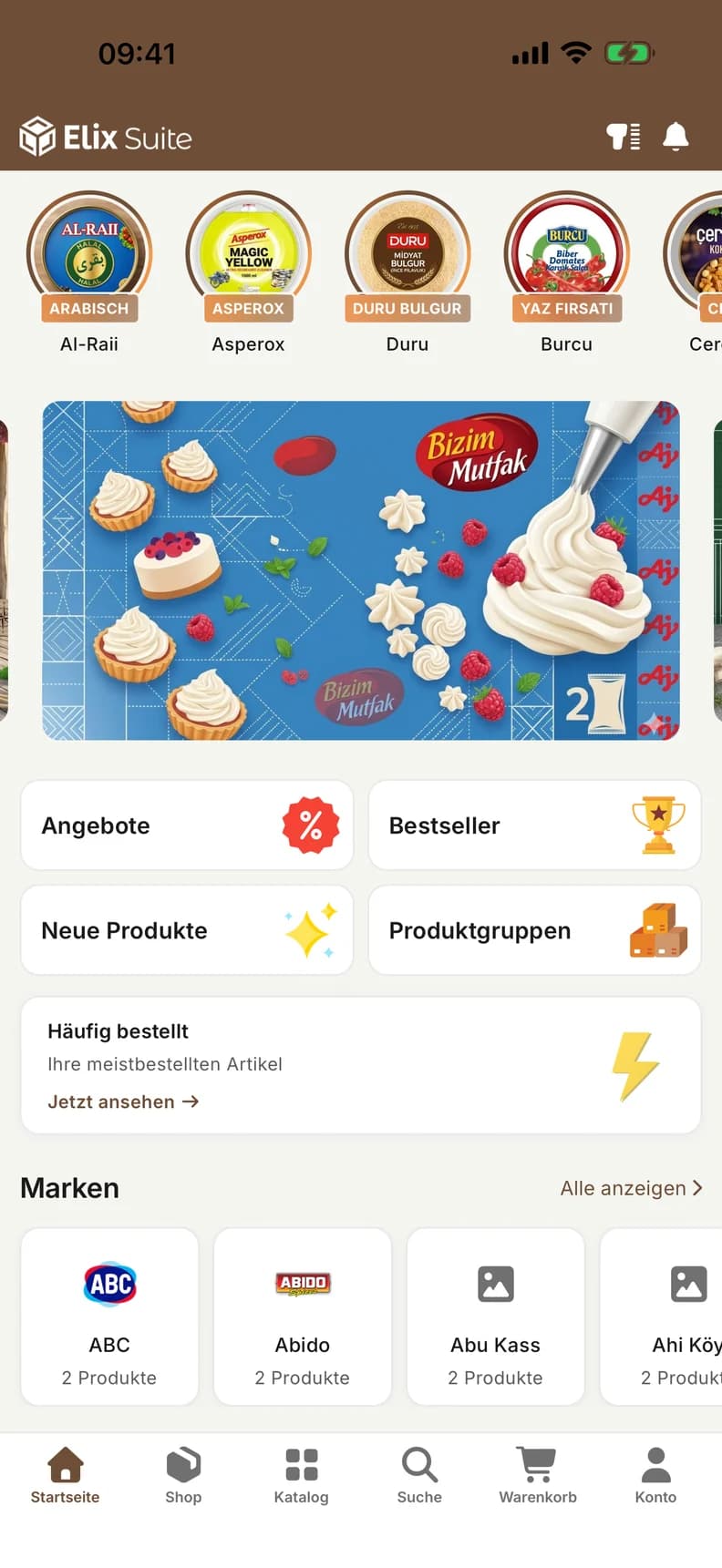
The app is published through your own developer accounts with Apple and Google or through the ASES account. You decide.
From demo to first order
Four steps, in weeks rather than years. We handle the setup.
- 01
See it together
We show you both apps with sample data and talk through your product range and how you work.
- 02
Connect your ERP
We connect Elix Suite to your ERP so that products, prices and stock levels appear in the app. From you, we need your logo, your colors and the name of the app.
- 03
Publish the apps
The customer app goes live on the App Store and Google Play. The field sales app is installed on your team's iPads.
- 04
Invite customers
You send your customers the invitation. From then on, they order in your app.
Elix Suite is an ASES product. We also develop apps and software built to your own requirements.View software development
Common questions about Elix Suite


See Elix Suite in a demo
In the demo you'll see both apps with sample data: the app your customers order in and your field sales team's iPad app. We'll talk about your product range, your prices and your ERP, and show how Elix Suite works in your business.
What the demo covers
- Customer app with sample dataEvery step your customer takes, from the home screen to the submitted order.
- Field sales app on the iPadCustomer record, customer prices and the order during the visit.
- The route to your ERPHow we connect Elix Suite to Odoo, SAP, JTL or whichever system you use.
- Your quoteAfter the demo you receive a quote for setup and the monthly fee.
Have a question first?Write to us